August 13, 2025,
0 comments
Running Windows-only software on macOS
Some courses may require software that is only available for Microsoft Windows operating systems.
For those with an Apple macOS device, there are a handful of options, depending on the software’s requirements, your use case and personal preference.
For example, support for GPU emulation/virtualization on Windows and therefore 3D acceleration (e.g. OpenGL and DirectX) are not available with all the options listed below. Check the fine print.
Most common would be to create a Windows virtual machine, providing a full Windows GUI environment with its own partition. Another popular option is a Windows emulator for running just an app or two.
If you don’t have a MS Windows license, and depending on the option chosen below, check out our instructions on getting it free.
OpenSource/Free:
•VMware Fusion: Run Windows, Linux and other virtual machines with VMware Fusion for Mac, the industry standard desktop hypervisor. See also: https://www.mikeroysoft.com/post/download-fusion-ws/
•UTM: a full featured system emulator and virtual machine host for iOS and macOS. It is based off of QEMU. In short, it allows you to run Windows, Linux, and more on your Mac, iPhone, and iPad.
•VirtualBox: a general-purpose full virtualization software for x86_64 hardware targeted at laptop, desktop, server and embedded use.
•Wine: a compatibility layer capable of running Windows applications on several POSIX-compliant operating systems, such as Linux, macOS, & BSD. Instead of simulating internal Windows logic like a virtual machine or emulator, Wine translates Windows API calls into POSIX calls on-the-fly, eliminating the performance and memory penalties of other methods and allowing you to cleanly integrate Windows applications into your desktop.
For Purchase:
•Parallels: Maximize your Mac’s potential by running Windows and Windows applications on a virtual machine. Access over 200,000 apps to work, study and play effortlessly. Authorized by Microsoft.
•CrossOver: the easiest way to run many Microsoft applications on your Mac without a clunky Windows emulator. It’s not an emulator. It does the work of translating Windows commands into Mac commands so that you can run Windows software as if it were designed native to Mac. Works with all kinds of software – productivity software, utility programs, and games – all with one application.
February 3, 2025,
0 comments
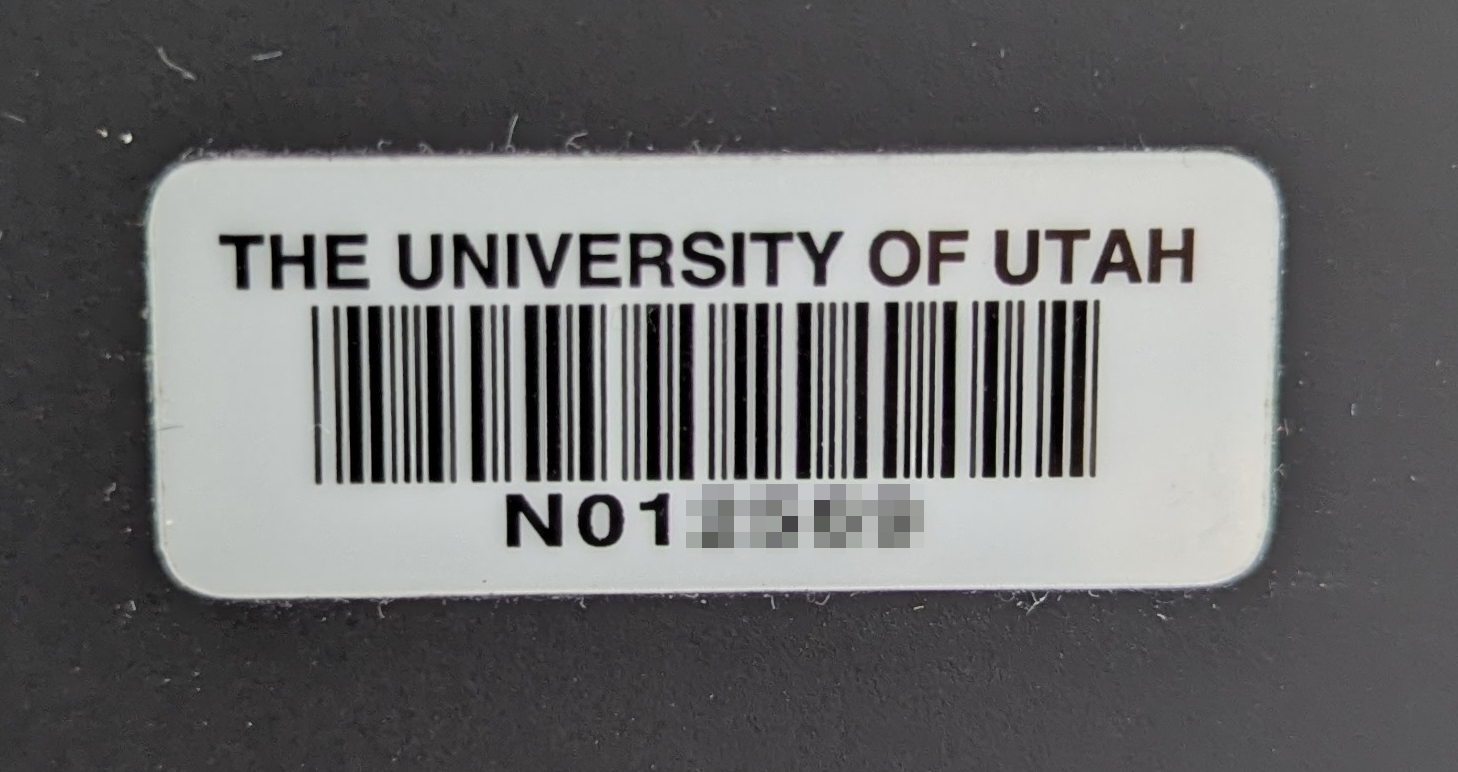
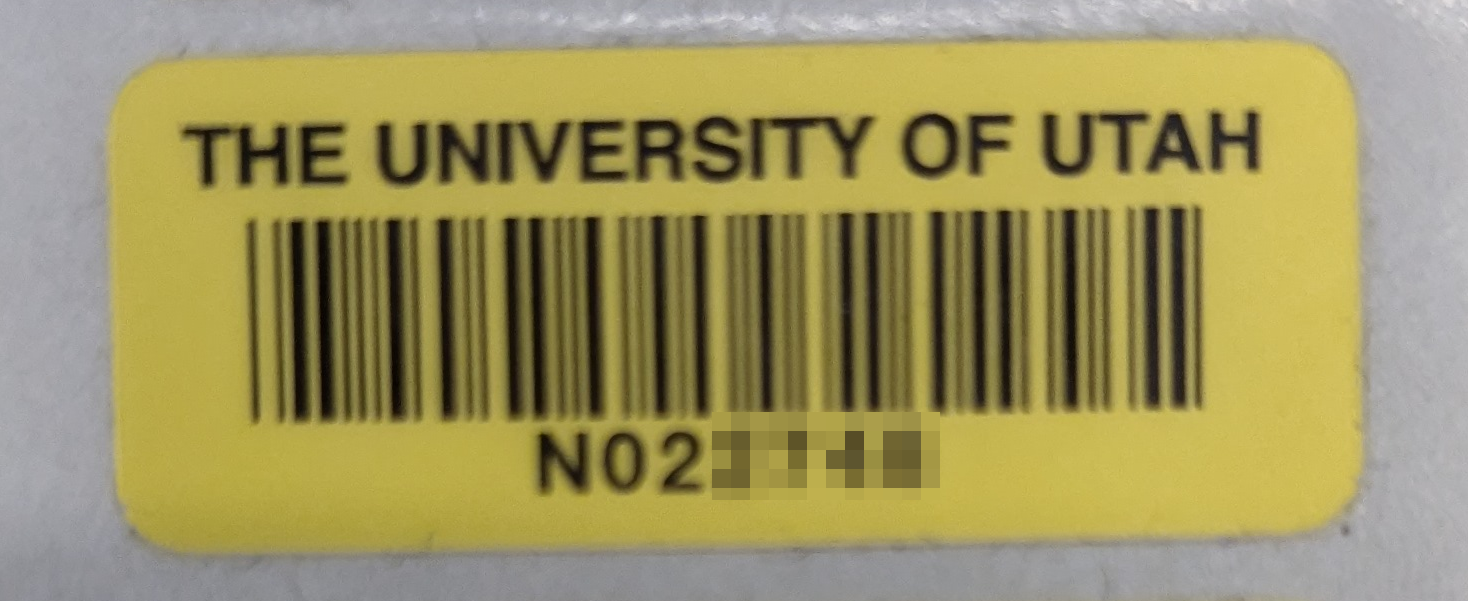
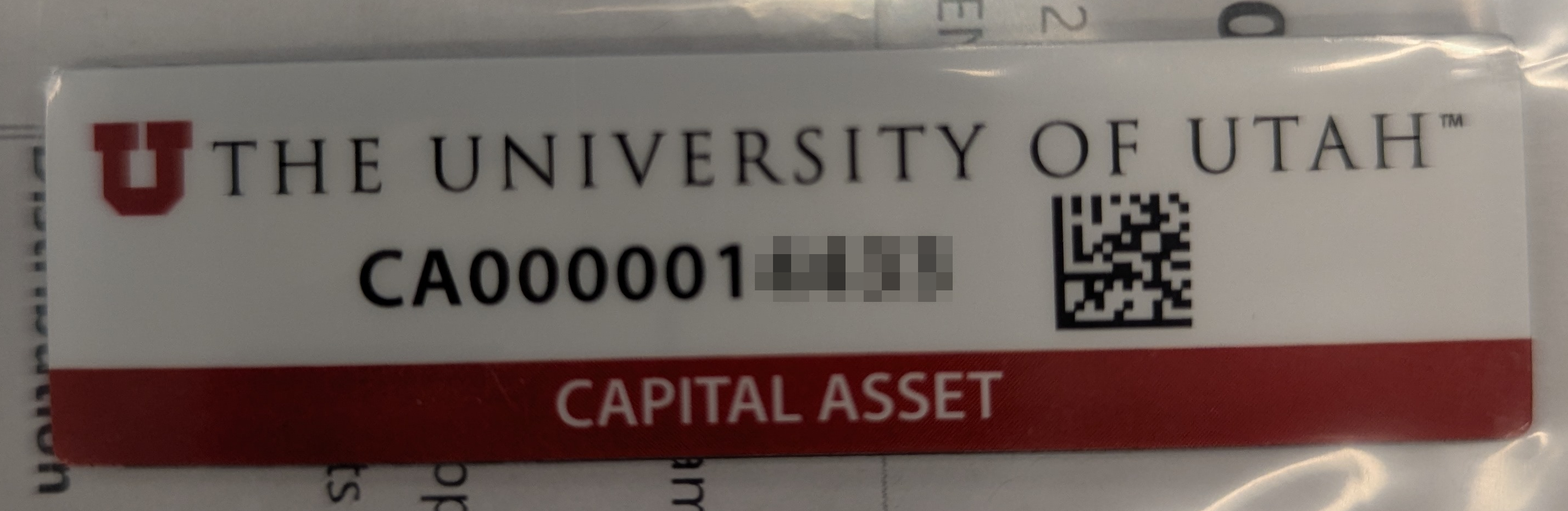
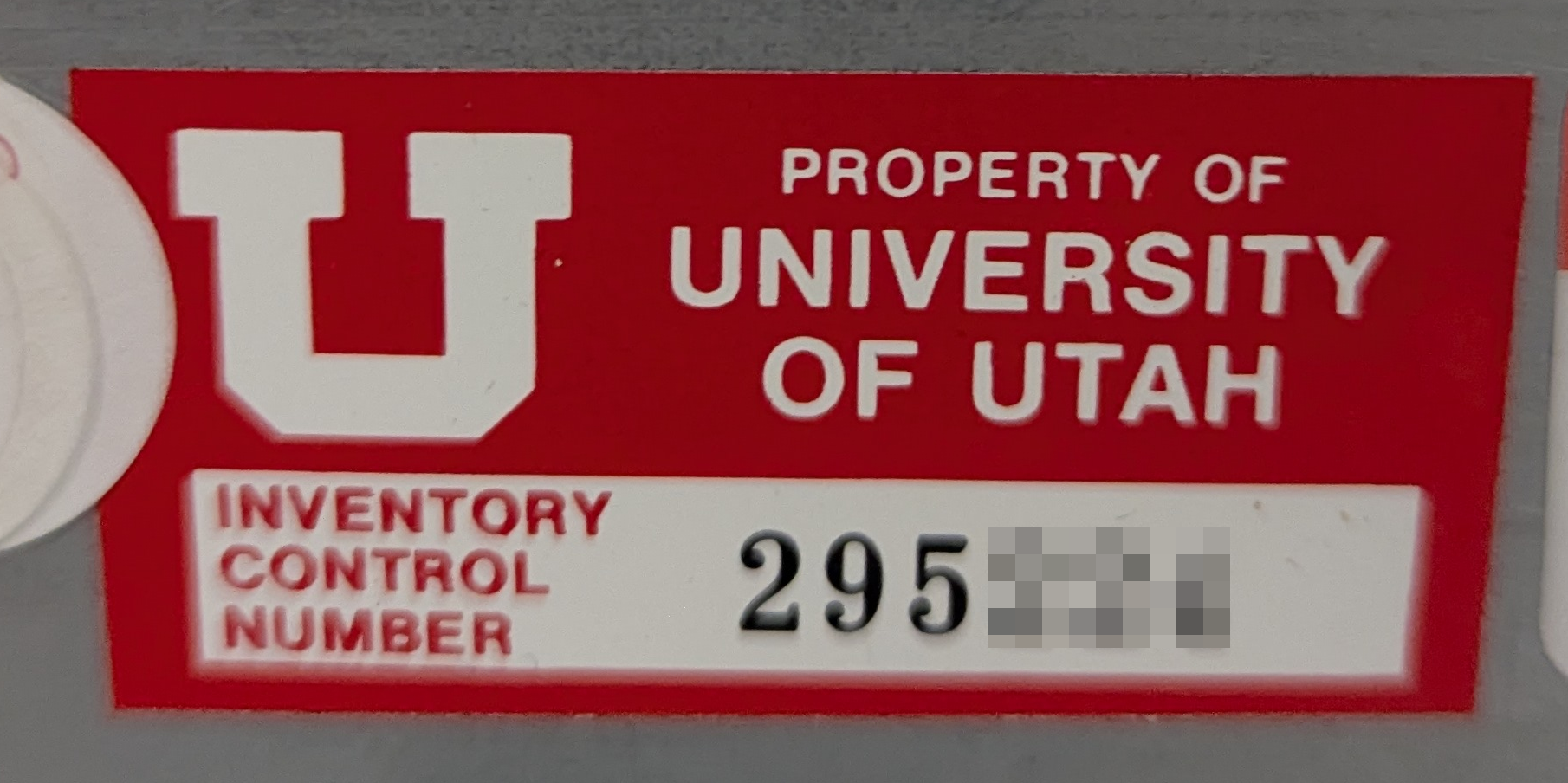
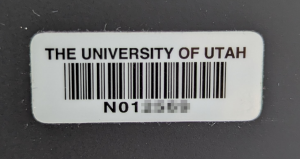
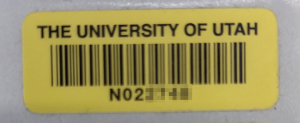
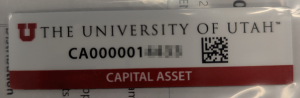
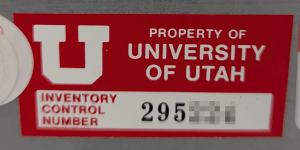
Asset tags are issued by department or the university. The are many types of asset tags (examples included below):
* Departmental
* Campus
* Non-capital
* Capital
* Etc
If your device does not have an asset tag, please contact your department’s admins to obtain one.
September 28, 2023,
0 comments
When connecting to the CADE machines, the most common error a user may receive is “Disk Quota Exceeded”. This message occurs when a user has used up the allotted space in their home directory (default currently 16GB).
To fix this, you’ll need to grab an SSH session to a lab machine and delete some data that way.
Using Windows Powershell or a Mac Terminal, run “ssh username@lab1-1.eng.utah.edu”
Then run “du -xhad1 | sort -hr | head -n 20”
This will summarize your disk usage with depth=1. This will take a few minutes. Be patient!
For example:
[user@lab1-1 ~]$ du -xhad1 ~ | sort -hr | head -n 10
16.0G /home/user
13.4G /home/user/Downloads
1014M /home/user/cs4200
468M /home/user/eclipse-workspace
190M /home/user/.mozilla
162M /home/user/.eclipse
128M /home/user/.nx
82M /home/user/PycharmProjects
44M /home/user/Videos
38M /home/user/Pictures
Here we can see that we’re using 16.0GB of space total. That’s our entire quota. Of the 16.0G, 13.4G is from the Downloads directory.
Let’s see what’s using the space in our Downloads directory.
[user@lab1-1 ~]$ du -xhad1 ~/Downloads | sort -hr | head -n 10
11G /home/user/Downloads/dataset.zip
2.4G /home/user/Downloads/DogVideo.mp4
12M /home/user/Downloads/Never Gonna Give You Up.mp3
Ah! that dataset we downloaded last semester is still in our Downloads directory. Let’s delete it.
[user@lab1-1 ~]$ rm /home/user/Downloads/dataset.zip
If you need to delete a directory (and all contents within), add the recursive and force options.
[user@lab1-1 ~]$ rm -rf /home/user/cs4200
You may also need to purge your NoMachine cache, as it may have gotten corrupted if NoMachine ran out of space while running.
[user@lab1-1 ~]$ rm -rf /home/user/.nx
We no longer use NoMachine for the CADE Lab.
January 5, 2017,
0 comments
To create a CADE account, follow the steps at https://usertools.eng.utah.edu
You do not need to register your UCard for access to the labs, but a physical UCard is currently required.
The username and password for this account is the same for ALL Price College of Engineering computer lab computers (Windows, Linux, and macOS labs).
If you forget your username and/or password, or wish to reset it, you can do so from the same User Tools Link. This link can also be found under Quick Links, PCE User Tools – Password Reset.
September 6, 2016,
0 comments
If you haven’t already done so, after reading the description and deciding which license applies to your situation, you’ll need to purchase Matlab from OSL here: https://software.utah.edu/mathworks.php (click the ‘Shop For Software’ button)
For students and single-machine installs, you should see the following link on your receipt or e-mail from software@utah.edu describing the process to download and install Matlab: Instructions for Single User Licenses
OSL also has a full FAQ page dedicated to the new campus license for MathWorks software: https://software.utah.edu/faq/license/matlab/index.php
April 4, 2016,
0 comments
For all PCE Departments and Research Groups with a file share/shared drive space, we will be maintaining the following schedule for backups:
– Incremental snapshots kept for 23 hours, 6 nights and 1 week before recycling (located at FileShare:$PATH/.snapshots or via Windows property tab).
and
– Incremental nightly tape backups kept for 13 weeks before recycling.
and
– Full backups to tape run 4 times/year (each 13 weeks) and recycled each year.
March 30, 2016,
0 comments
For remote access to most CADE/PCE IT services or systems, you need to use the Campus VPN (Virtual Private Network) with a valid uNID.
NOTE: If you are not associated with the John and Marcia Price College of Engineering, this is NOT FOR YOU.
1. Verify you know your CIS credentials and have Two-Factor Authentication (Duo) setup and that your Duo device is available. You will also need the Duo App on your smartphone or mobile device as campus requires 2 Factor Authentication(2FA) for VPN service.
* * * STUDENTS * * *
Before reading further, go ahead and opt IN to ‘Duo Security’, the U’s two-factor authentication (2FA) service. Log in to CIS and select the Duo 2FA Management tile to turn it on, or try here:
2. Download the VPN client, GlobalProtect and connect to vpn.utah.edu. See full details and info here: it.utah.edu/vpn
3. Enter your uNID and CIS password in the ‘password’ field.
For the ‘second password’, enter ‘push’ and you’ll receive the Duo prompt for approval (similar to the ‘Send Me A Push’ used in web apps). Alternatively, open the Duo App on your device and generate the ‘second password’ by clicking on the UofU banner/down-arrow- enter the 6-digit #.
Further information and instructions for support can be found at https://uofu.service-now.com/UIT/VPN KnowledgeBase Article and the https://uofu.service-now.com/UIT/DUO 2FA KnowledgeBase Article
October 19, 2015,
0 comments
‘Home directories’ are anything within the share /home. We provide hourly(23), daily(6) and weekly(2) snapshots (located at ~/.snapshots or via Windows property tab).
We also provide 2 years (104 weekly snapshots) of /home backups. These can be found under /backup/$USERNAME/.snapshot. These are located on a slower server, so be patient.
October 9, 2015,
0 comments
Once logged in to a linux machine, open a Terminal and you’ll issue a few commands. By default, you start in your home directory (/home/username) and it may appear with a prompt to the left of the cursor indicating that (a user’s ‘home’ may be represented by the ‘~’ char).
If you don’t have a directory to share, create one with something like:
[warthogs@lab1-23 ~]$ mkdir TeamSamba
The directory inherits the default permissions, in this case rwx (read-write-execute for the owner, your username; read-execute for group; read-execute for everyone/all users:
[warthogs@lab1-23 ~]$ ls -ld TeamSamba/
drwxr-xr-x 2 warthogs csugrad 4096 Oct 9 12:47 TeamSamba/
To verify the groupname for setting the directory permissions, find out which groups you’re a member of:
[warthogs@lab1-23 ~]$ groups
csugrad telerobotics mediashare src cs6090 cei manu
And assign one to the directory:
[warthogs@lab1-23 ~]$ chgrp telerobotics TeamSamba
[warthogs@lab1-23 ~]$ ls -ld TeamSamba/
drwxr-xr-x 2 warthogs telerobotics 4096 Oct 9 12:47 TeamSamba/
Finally, set the permissions so the group can write files, but no other users can see in the directory:
[warthogs@lab1-23 ~]$ chmod 2770 TeamSamba/
[warthogs@lab1-23 ~]$ ls -ld TeamSamba/
drwxrws— 2 warthogs telerobotics 4096 Oct 9 12:47 TeamSamba/
See ‘man chmod’ or ‘man chgrp’ for syntax details and more information.
September 25, 2015,
0 comments
We have {finally} evolved to where each user has ONE username and ONE password for all PCE/CADE machines and services. We may refer to your CADE or PCE username and password. This is separate from your CIS/uNID and it’s password, but we may ask you to use those for authentication, such as when creating your account or changing your password.
Accounts created prior to ~May of 2017, CADE/PCE username is some combination of letters from your names (First, Middle(s), & Last) and generated by an algorithm. For all newer accounts, the username is your uNID (formatted as a lower-case ‘u’ and 7 digits). Once created, we don’t change them except in rare circumstances.
Your CADE/PCE account is used for:
• logging in to any Linux, macOS, or Windows computer on our Domain (USERS\ or users.coe.utah.edu), including lab machines, Terminal Servers, VDI hosts, or other Virtual Machines.
• connecting/mounting a Network File Share with CIFS/SMB.
• WebPrint and any PaperCut printing services.
• mounting a Network File Share with NFS.
Note: Your CADE/PCE username and passwords are 100% separate and in addition to your CIS or other campus logins and accounts. Some departments may have labs or computers that require specific logins.